At the place for your thoughts
The screen you'll use most, pulled up from Home. What you sorted by voice gathers into four places. Most of the easy-to-miss moves are here, too.
Tend to items one by one
Tap a title to rewrite it
Tap the words of an item to rewrite them on the spot. Small mishearings can be smoothed out right here.
Move it elsewhere
Long-press an item and drag to move it freely between Now, Later, Park, and Let go.
Move it to a theme
The same drag also moves it onto a theme chip above. It joins that theme; drop it onto “Uncategorized” to remove it.
Tap the ○ to let go
Tap the small ○ at the start of an item to gently send it to Let go. You can undo it right away.
 Tap
TapAdd by hand with “+”
From the faint “+” at the bottom-right of each block, you can add an item there in text.
Group with themes
Long-press a theme for its menu
Long-press a theme chip above to bring up Always show (pin), Edit name or color, and Let go. This is the way into a theme's settings.
 Tap
TapChange name, color, and order
In the theme editor, tap the name to rewrite it, pick a soft color from the color dots, and reorder using the handle on the left.
Right after sorting
The moment just after you speak and it's sorted. If KUU's sorting doesn't sit right, tidy it here before you keep it.
Tap to drop what you don't need
Tap an item that doesn't fit and it fades out and drops away. Tap again to bring it back.
Drag to change where it goes
Drag an item to another block to change where it goes, right there.
 Button
“Sort again” to fix the whole text
If something was misheard, “Sort again” lets you fix the whole transcript and sort it once more.
On Home
Some days, speaking aloud is hard. On those days, text works too.
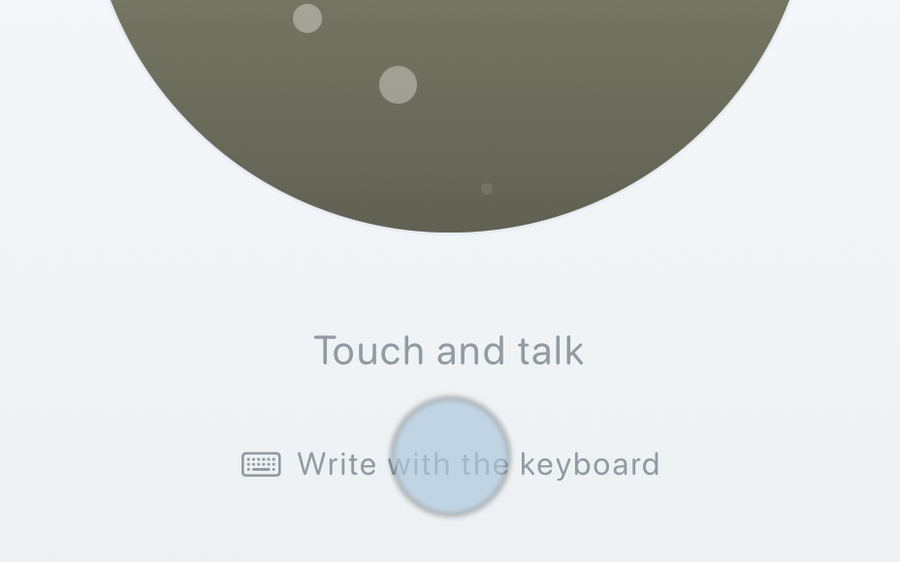 Tap
TapWrite with the keyboard
From “Write with the keyboard” at the bottom of Home, you can sort the same way in text, without using your voice.
Common questions
It doesn't sort the way I expected. The accuracy isn't quite there.
KUU's read on things isn't always perfect.
That's why you can always fix it by hand afterward (tap to rewrite, long-press and drag to move, or “Sort again”).
We'll keep improving how it hears and sorts, little by little.
You using it is what encourages us.
When I talk for a while, it all gets merged into one.
When sentences run on, the breaks can be hard to find.
As you speak, leaving a small pause — “this, (a breath) then that” — helps it split more easily.
For something you've already entered, adding commas and periods in “Sort again” helps it break into pieces.
If it still stays merged, you can split it with a long-press drag, or rewrite it with a tap.
It feels like I'm pushed to pay right away.
Speak, sort, look back — the heart of KUU stays free, always.
KUU+ is a quiet extra, for those who'd like to turn off ads or add a Face ID lock.
It's hard to use when I can't speak aloud.
From “Write with the keyboard” at the bottom of Home, you can sort the same way in text, without using your voice.
I want to show “Now” on my Lock Screen.
Open Settings and turn on “Show ‘Now’ on the Lock Screen”.
Today’s “Now” rests quietly on your Lock Screen. No notification sound, and it disappears once “Now” is empty.
These hints appear gently on screen just once, the first time. If you miss them, that's fine — this page is always here to revisit.
If you haven't tried KUU yet, start here.